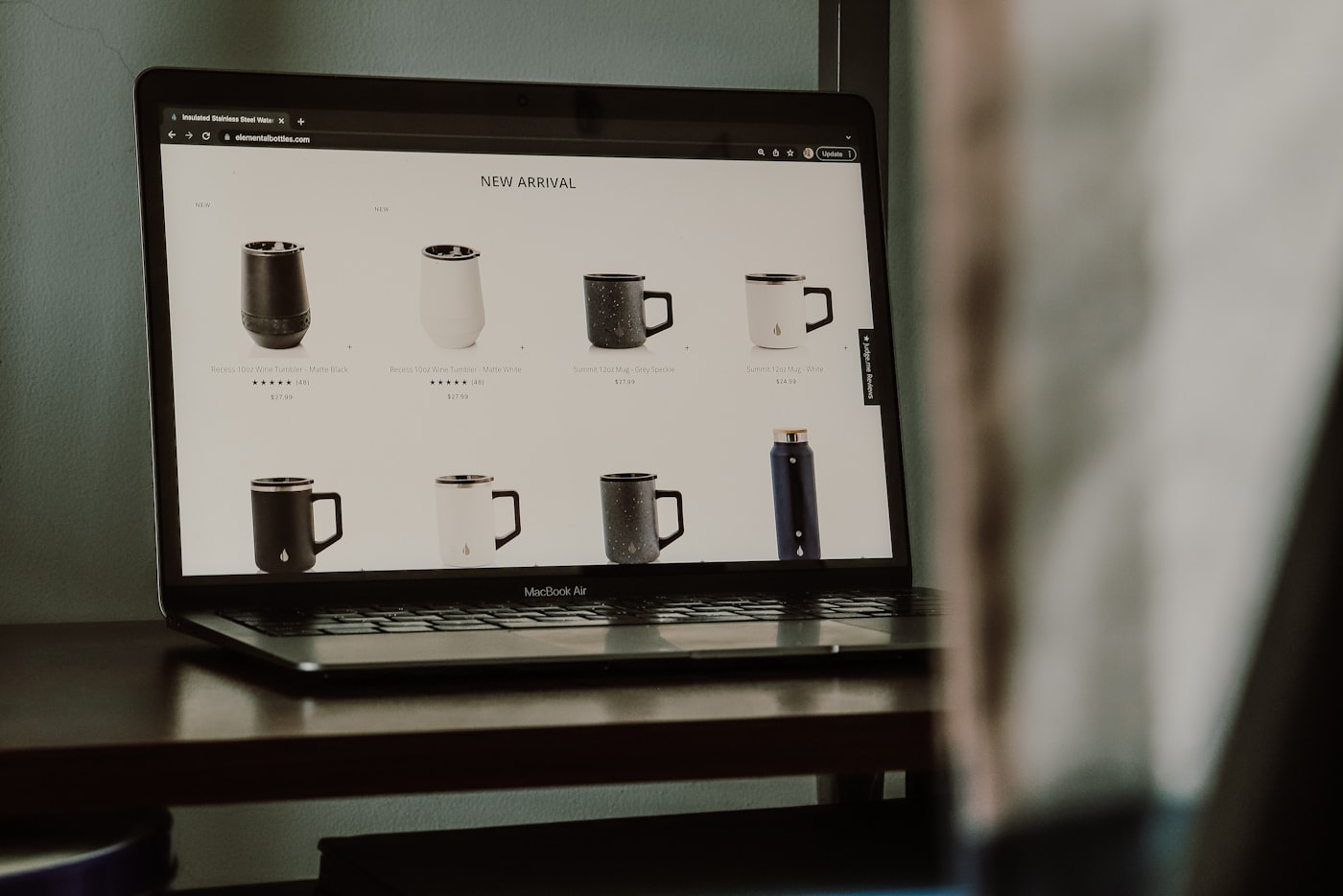
The concept is simple enough. Go to a website. Find the price. Tell the user what it is.
This is the core function of a website price checker, and it sounds like a solved problem. Enter a URL. Get a number. The phrase "how hard can it be" has never led anywhere particularly good, and price checking is no exception. The gap between that description and what actually has to happen for it to work reliably is larger than it first appears.
Every Retailer Built Their Own Price Tag
Every ecommerce site displays prices differently. The price on a Shopify store might be in a span with a class like price__current. On a WooCommerce site, it might sit in an element with the class woocommerce-Price-amount. A custom retail site might put it in a data-price attribute, or render it via JavaScript after the page loads, or keep it behind a login wall.
A price checker that works on one site structure fails on another. Building one that works across the diversity of the public web means either training a model to recognise price elements by context rather than by markup, or maintaining a library of site-specific extraction rules, or relying on structured data where retailers have implemented it.
The structured data path, Schema.org Product markup, is the cleanest when it exists. Retailers that implement it correctly put the price in a predictable, machine-readable location. The price checker reads the schema block rather than parsing the visible HTML. This works well for a subset of sites and falls back to HTML parsing for the rest.
The Price That Only Exists After the Page Loads
A significant portion of modern ecommerce is JavaScript-rendered. The price on the initial HTML response is either absent or a placeholder that gets replaced once the page's JavaScript executes. A price checker that only reads the static HTML response never sees the actual price.
Handling this requires either a headless browser that renders JavaScript before extracting data, or identifying and calling the underlying API that provides the price data, or using a real browser that the user is already running.
Browser extensions take the third path by default. They operate inside the user's browser, which has already rendered the JavaScript and resolved the actual price. This is the main technical advantage of browser-based price checking over server-side approaches: the rendering problem is solved by the browser, not by the extraction tool.
When One Product Is Technically Fifteen
Product variants complicate the picture further. A shirt has sizes. A phone has storage options. A paint has colours. The price, and availability, often differs by variant, and the variant data is frequently loaded dynamically when a user selects an option rather than included in the base page.
A price checker that reports the base product price without variant context can be misleading. The small in a shirt might be sold out. The 256GB phone might cost $200 more than the 128GB. The price the checker returns depends on which state the page is in when it is checked.
Product data extraction tools designed specifically for ecommerce handle this variability, either by extracting all variant data simultaneously or by reporting the price of the currently selected variant. General-purpose price checkers often do not, which produces results that are technically accurate but contextually incomplete.
Three Jobs, One Tool
The dominant use case is competitor price monitoring: checking what competitors charge for equivalent products. This is the reason retailers, brands, and ecommerce sellers look for price checking tools. The goal is not to know the price in the abstract but to know how your price compares.
The second use case is internal: checking that prices on your own site are displaying correctly, that promotional pricing is live, that there are no rogue variants showing unexpected prices. This is more of a QA function than a competitive intelligence function, but the underlying tool is the same.
The third use case is procurement and supply chain research. Checking material or component prices across distributors before a buying decision, or tracking supplier price changes over time. This is procurement market intelligence applied at the product level.
The Browser Already Did the Hard Part
For checking prices on demand, a handful of competitor pages before a pricing meeting or a distributor comparison before a supplier negotiation, browser-based extraction tools handle the problem efficiently.
SiteScoop detects price and product data from the page currently open in the browser. Navigate to the competitor's product listing. The tool identifies the data structure and extracts the relevant fields, name, price, availability, into a format ready for export. The JavaScript rendering and variant display are already handled by the browser. The extraction tool reads what the browser has rendered.